
How to Search Cases by Name
For a St. John the Baptist Parish case lookup by name, the eClerks LA statewide portal is the documented route. Its own guide sets the rules. Enter a last name or entity name. A first name is optional. Then pick a match type: Begins With, Exact Match, or Contains. You can also narrow the hunt. Use a preset date period or your own start and end dates. Results come back with a Parish column. That column is a big deal in a state where the same name can show up in several parishes. It is what turns a statewide name match into the right local record trail.
- Open the eClerks LA statewide portal and use the current registration or login flow if prompted.
- Enter the last name or entity name, then add a first name if it will narrow the result.
- Choose a match mode and a date range that fits the likely filing period.
- Select the relevant document set, run the search, and use the Parish column to identify St. John the Baptist Parish results.
- Record the result number and description before moving to parish inquiry or a Clerk request.
The statewide guide is summarized by the eClerks LA statewide portal explanation.
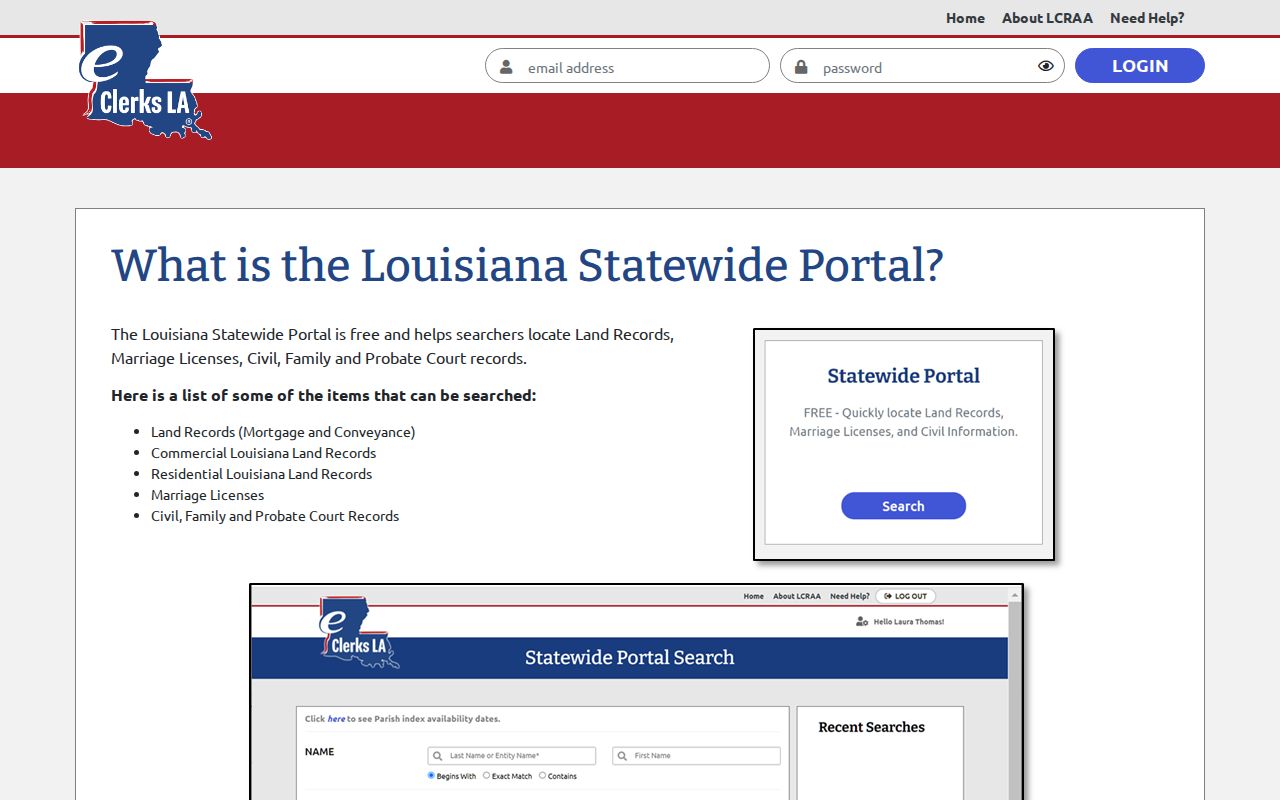
Keep in mind that the statewide service is only an index layer. A St. John result may still call for a parish inquiry or a direct copy request.
| Field | Type | Required | St. John use |
|---|---|---|---|
| Last Name or Entity Name | Text | Marked with an asterisk in the guide | Primary name or entity search. |
| First Name | Text | No | Optional additional name detail. |
| Match mode | Control | Not stated | Begins With, Exact Match, or Contains. |
| Date range | Select or date fields | Not stated | One month, one year, 10 years, 30 years, or entered dates. |
| Document Set | Checkbox | No | Land, Marriage, and Civil appear in the guide. |
St. John the Baptist Parish Case Lookup Match Modes
The match mode you choose is a search tool, not a statement about the case. Begins With helps when a spelling is incomplete. Exact Match works best when you know the full name and want a tighter net. Contains casts the widest one. Expect a longer list to sort through. Adding a filing-date window to any mode cuts the noise fast. The eClerks guide also points out a Recent Searches area. It lists a Clear control for reuse too. Whatever mode you pick, read each row with care. Check its Parish, document set, number, and description before drawing any conclusion.
How to Search by Case Number
A case number is the sharpest tool you can bring to a search. St. John does not publish a local number format. Do not guess at one. Copy the number exactly as printed on a notice, a minute entry, or a search result, such as case or suit number as printed. If you know the filing year, the caption, or the Division A, B, or C, add those too. The Clerk can then tell your matter apart from another party with the same name. A number-based St. John the Baptist Parish case lookup is also the fastest route. It reaches the right Clerk desk or division.
St. John the Baptist Parish Case Lookup Through Clerk Connect
The St. John Clerk website links two tools for parish-level access. They are Civil & Criminal Inquiry and Clerk Connect. Clerk Connect advertises possible civil-suit, criminal-case, land-record, retrieval, and printing services. The St. John inquiry sits behind an account login. Once inside, an online entry may list a case number, division, filing date, caption, or party role. It may also show attorney, status, costs, events, documents, or disposition. Which features you actually get depends on the office. The Clerk Connect login page is where the account gate appears before any inquiry opens.
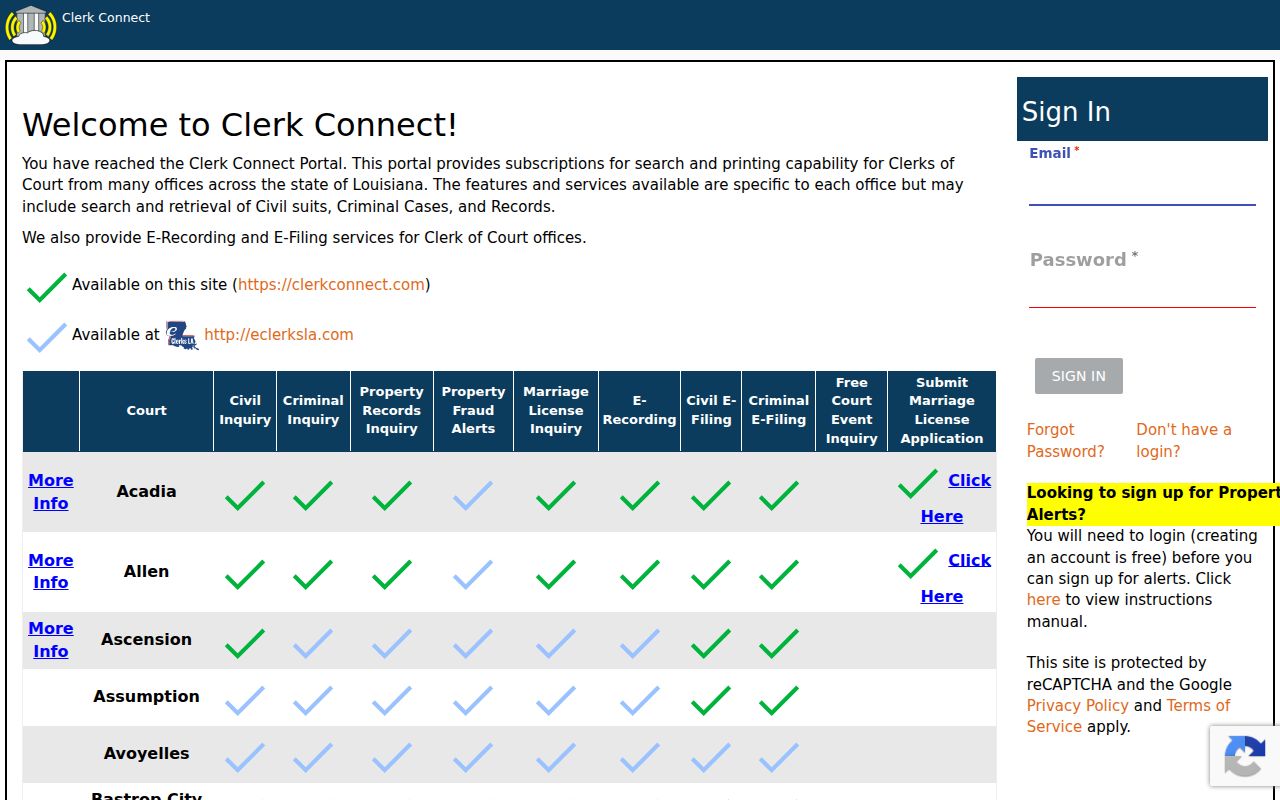
Use the account flow or simply contact the Clerk. Do not assume anonymous access or document images come free.
What a Case Search Shows
A statewide result carries labeled fields. Look for Date, Document Set, Type, Number, Party1, Party2, Doc Type, Description, and Parish. A parish civil or criminal inquiry can go deeper. Louisiana Code of Civil Procedure article 254 sets the baseline for the local docket and minutes. It governs both. Still, what shows on screen depends on the service behind it. A document image, a court-cost figure, or a status field may be limited or missing. Check the authenticated display at the time of your search.
| Case or suit number | Unique identifier used to locate the action and request records. |
|---|---|
| Caption and parties | Formal title, party role, and often attorney information. |
| Filing and pleadings | Petition date and dates for answers, exceptions, or other pleadings. |
| Division and status | Division A, B, or C, plus case type, assigned judge, or disposition where shown. |
| Events and minutes | Motions, orders, judgments, hearings, continuances, resets, and minute entries. |
| Costs and images | Court-cost information or a document-image indicator may appear, subject to access limits. |
St. John the Baptist Parish Case Lookup Results and Images
Three things are easy to confuse. A result row is one thing. A docket entry is another. The document behind that entry is a third. Clerk Connect's official description lists retrieval and printing among services that may be offered, and the Clerk notes that subscriptions run through a third party and are nonrefundable. When an image is missing, the reasons vary. The entry may be index-only, the access may need a login or purchase, or the record may not be public at all. None of that means the case has no filing behind it. Treat a St. John the Baptist Parish case lookup result as an index lead, then make the document request. The Clerk Connect record-search description lays out the inquiry and printing functions that participating offices offer.
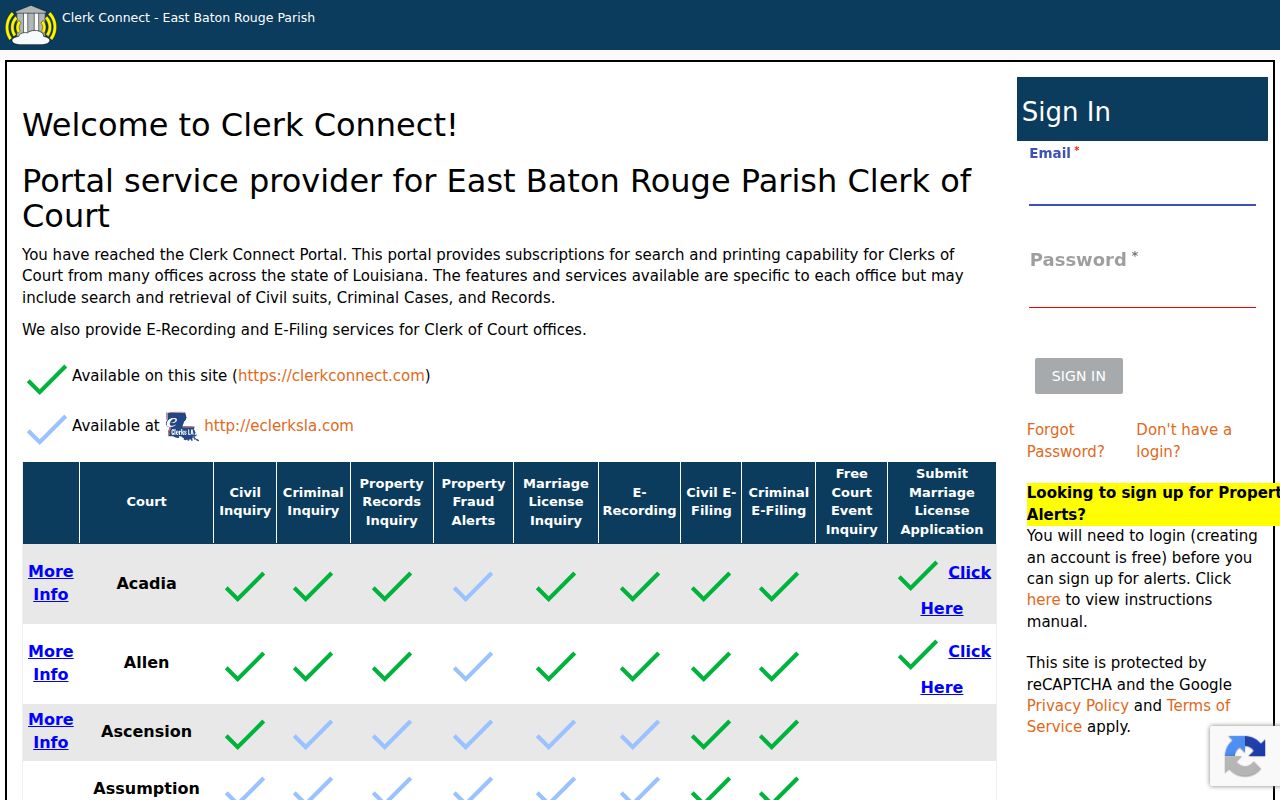
For an official document, first nail down its name. Then ask the Clerk whether you need a plain or certified copy.
County vs Statewide Case Search
eClerks LA and the parish inquiry are built for different jobs. The statewide portal bills itself as a free search tool. It covers land records, marriage licenses, and civil, family, and probate information across Louisiana services. Clerk Connect is the locally linked route, where offered, for parish civil and criminal inquiry. Neither one is a magic box. A St. John traffic matter may sit outside both. So may a juvenile case, a Sheriff record, a federal file, or a restricted record. The smart play for a St. John the Baptist Parish case lookup is simple. Use the two layers in order. Run the statewide index first. Then take the parish inquiry or a Clerk request to the local court file itself.
| Search layer | What it helps locate | Important limit |
|---|---|---|
| eClerks LA statewide portal | Statewide index results with a Parish column and named document sets. | The guide does not promise free St. John document images. |
| Clerk Connect parish inquiry | St. John civil and criminal inquiry, retrieval, or printing where the account permits it. | Authentication and office-specific service limits apply. |
| 40th JDC schedule | Recurring setting categories and division framework. | It is not a name-searchable case docket. |
| Clerk request | Inspection, copies, certification, and clarification of the court record. | Give the case number and exact document needed. |
St. John the Baptist Parish Case Lookup Account Steps
Signing in to eClerks LA takes an email and password. Optional tools include remember-me, password recovery, registration, and email-confirmation. Clerk Connect runs its own sign-in flow. Tech help lives at support@antaresnet.com. Clerk Connect support answers at 1-800-467-4477. Neither line answers questions about what a St. John court record actually says. For substance, call the parish Clerk instead of portal support. The official eClerks LA login shows the account entry point the court currently uses.
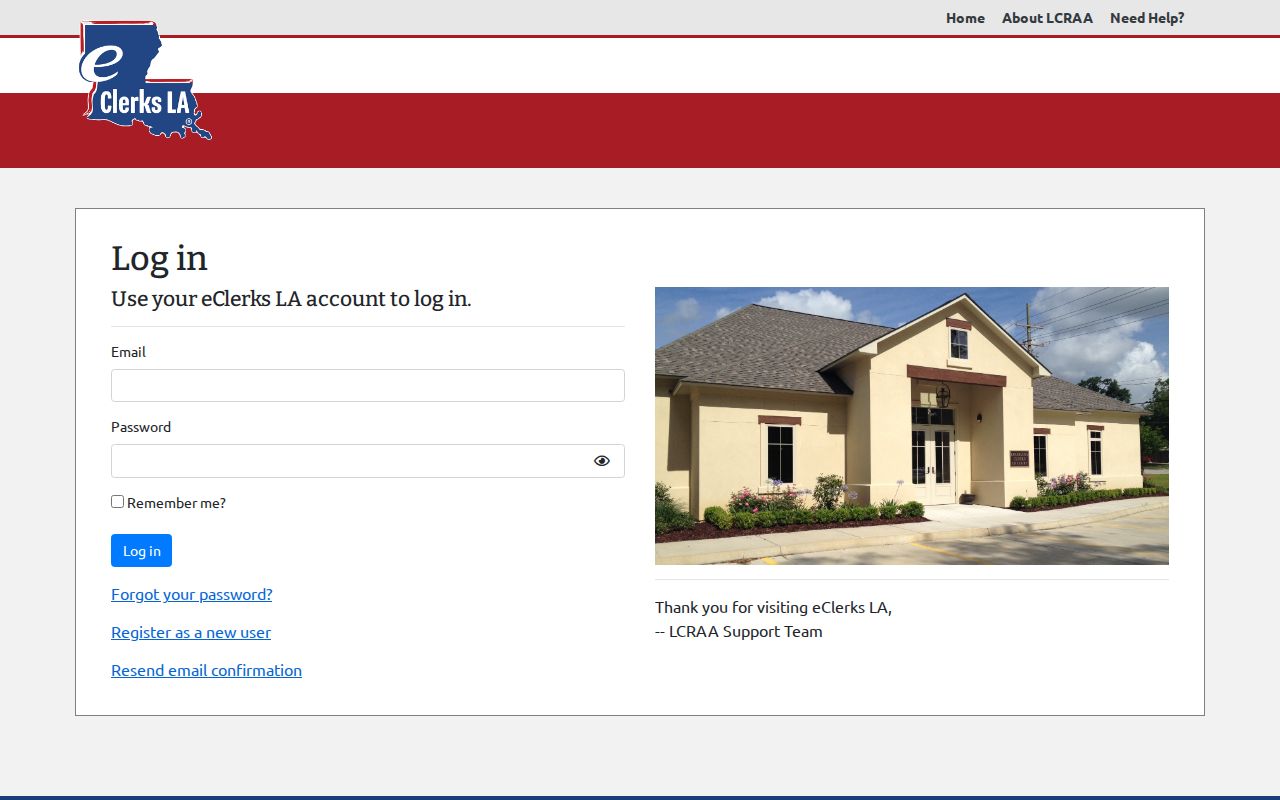
An account is just an access condition. It does not promise that every St. John the Baptist Parish case or document can be viewed remotely.
St. John the Baptist Parish Case Lookup and the Court Schedule
Once a case turns up, the 40th JDC court schedule helps. It explains what a listed date means. The schedule covers recurring settings: felony jury weeks, civil jury and bench weeks, traffic and misdemeanor hearings, juvenile court, motions, pretrials, family matters, arraignments, and Drug Court. It cannot find a case by name. Jot the case number first. Note the division too. Then compare the docket entry against the schedule before drawing conclusions. A setting that looks odd may simply have been reset, so call the Clerk or the assigned division when in doubt. For any St. John the Baptist Parish case lookup tied to a hearing, treat the schedule as background. The current case entry is the controlling source.
Restricted Cases and Access Rules
Public access comes with legal carve-outs. Juvenile, adoption, sealed-by-order, expunged, and protected-identifier material may be omitted, redacted, or simply unavailable in an online docket search. Under Louisiana law, expungement pulls a record away from public view. It does not necessarily destroy it. A blank result is not proof that nothing ever happened in St. John the Baptist Parish court. When a record seems restricted, ask the Clerk about the lawful access route. Louisiana Code of Civil Procedure article 251 names the Clerk as custodian and generally allows examination and copying during open hours. Exceptions apply. A case lookup here cannot hand over a record the Clerk must keep restricted.
St. John the Baptist Parish Case Lookup Fallbacks
When the online search stalls, call the Clerk's Edgard line at 985-497-3331 or the Eastbank line at 985-652-8041. Ask for civil, criminal, minute, or records staff. A counter visit works for inspection and copy questions in person. Written requests go to P.O. Box 280, Edgard, LA 70049. Include the case number if known, the caption, filing year, the document you want, plain or certified copy, and a way to reach you. Call before sending any payment. The public fee schedule lists image-based amounts. After the case is pinned down, a St. John the Baptist Parish court record search helps separate the docket entry itself from what comes next. That is the copy or certification request.
St. John the Baptist Parish Case Lookup Before Calling
Gather the details before you dial. The Clerk needs the case or suit number, party names as they appear in the caption, the filing year, the court division, and a plain description of the record or setting you want. Did your lead come from a statewide result? Keep the Parish, result number, document set, and description handy. That short record of the search does real work. It separates an index lead from a court-file request, and it spares the staff from guessing which St. John the Baptist Parish case you mean. Local result details help. They make a case lookup far more useful to the Clerk. They also tie your request to the right St. John the Baptist Parish action rather than a similarly named entry elsewhere in a statewide index.
St. John the Baptist Parish Case Lookup Limits by Custodian
A parish court inquiry has firm boundaries. It does not replace a Sheriff incident report, a District Attorney file, a Louisiana OMV driver record, a federal PACER file, a certified transcript, or a restricted juvenile file. Federal matters for a parish resident run through the Eastern District of Louisiana's PACER path, not the 40th JDC search path. Got a traffic citation? Read the issuing court and the Sheriff payment instructions. A statewide civil index will not find the ticket. The eClerks service explanation lays out its e-filing and parish-service context.
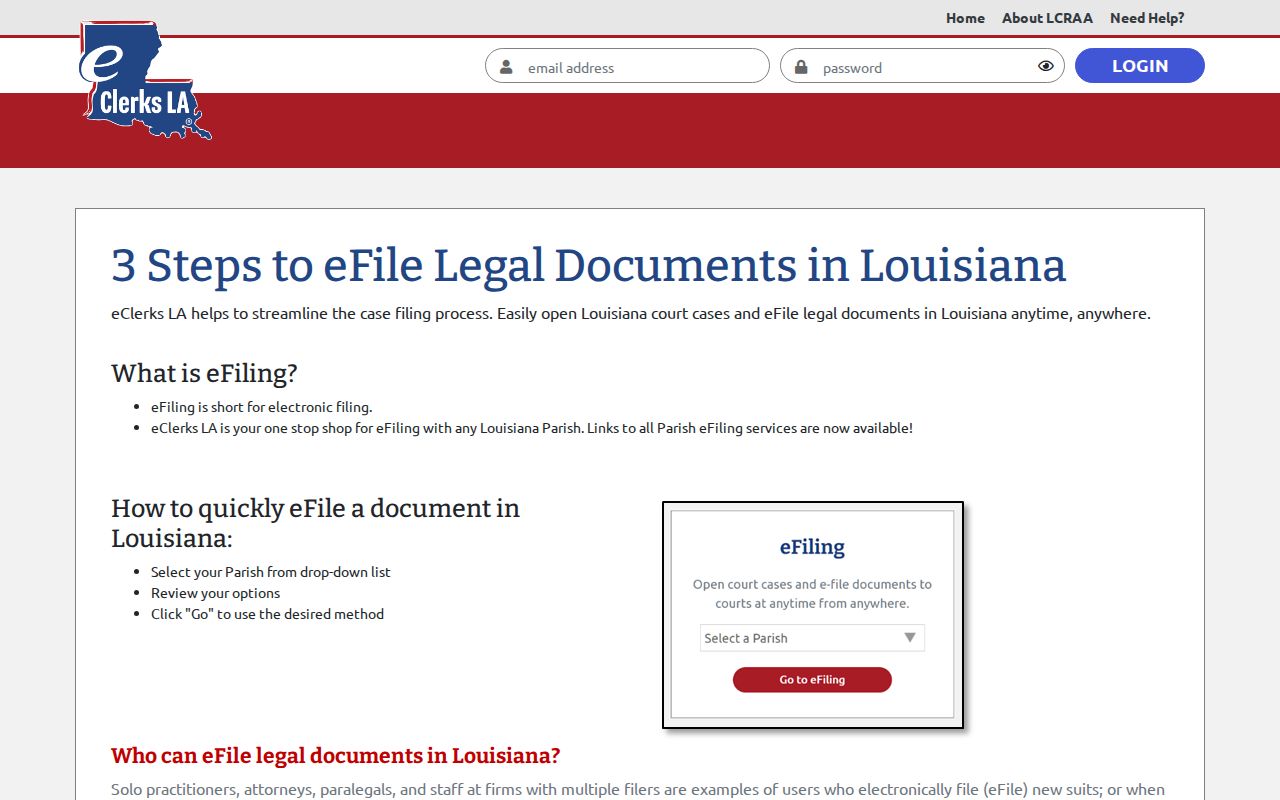
Online case lookup and e-filing are two separate clerk services for St. John the Baptist Parish court records.